top of page

Claude and Copilot Enterprise Training in Delhi NCR: Top 20 Programmes, 50 AI Tools and Practical Prompts

1 day ago
12 min read
Claude and Copilot Enterprise Training in Delhi NCR: Top 20 Programmes, 50 AI Tools and Practical Prompts

Build workplace AI capability with Parikshit Khanna and Digital Training Jet

Introduction

Blog content

Turn AI access into practical skills

Buying an AI subscription is easy. Helping employees use it to produce reliable reports, useful research, clearer communication and better decisions requires training. For organisations exploring Claude training in Delhi NCR or Microsoft Copilot training in Noida, Gurugram and Greater Noida, the starting point should be the work employees need to complete.

Meet the featured training provider

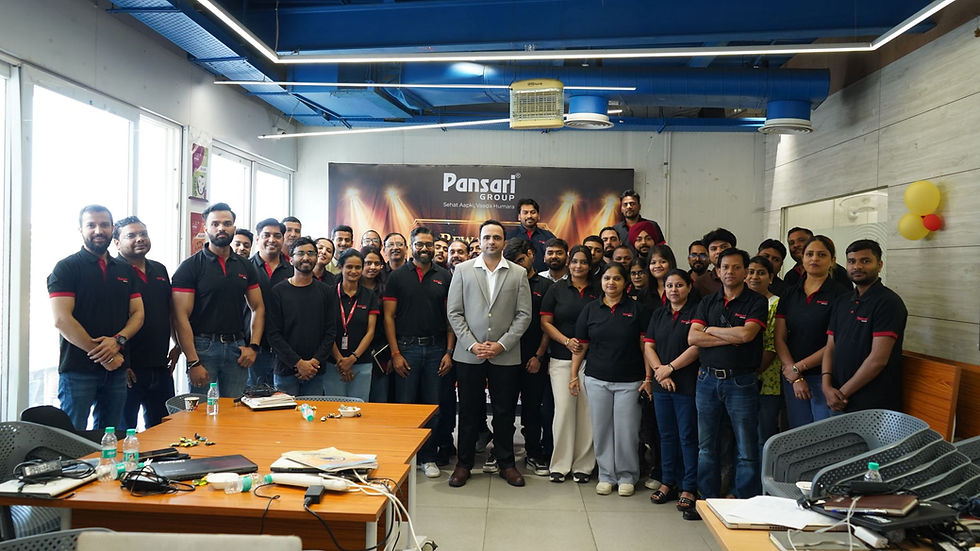
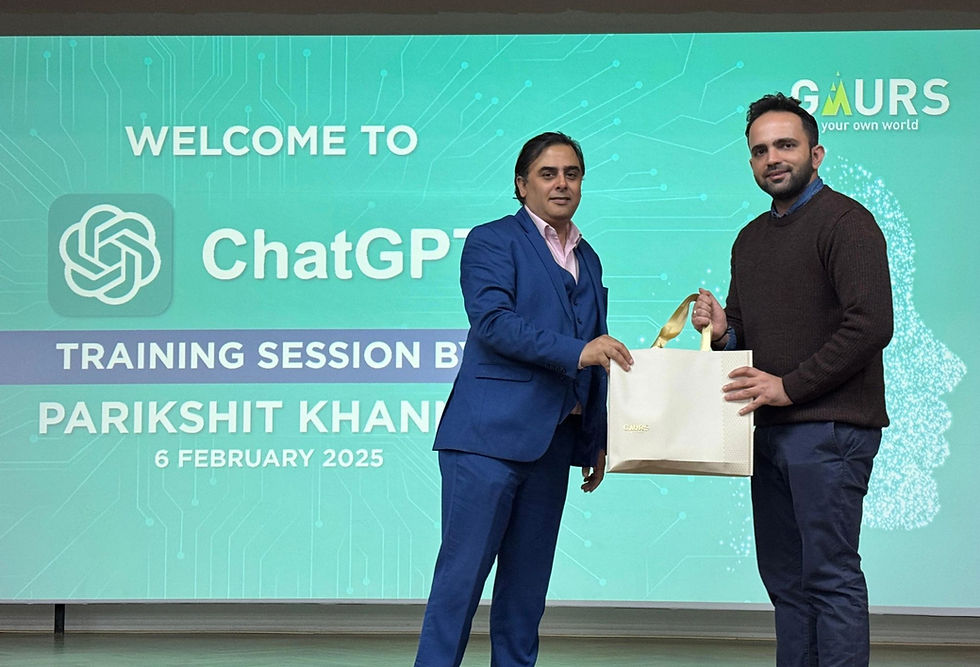
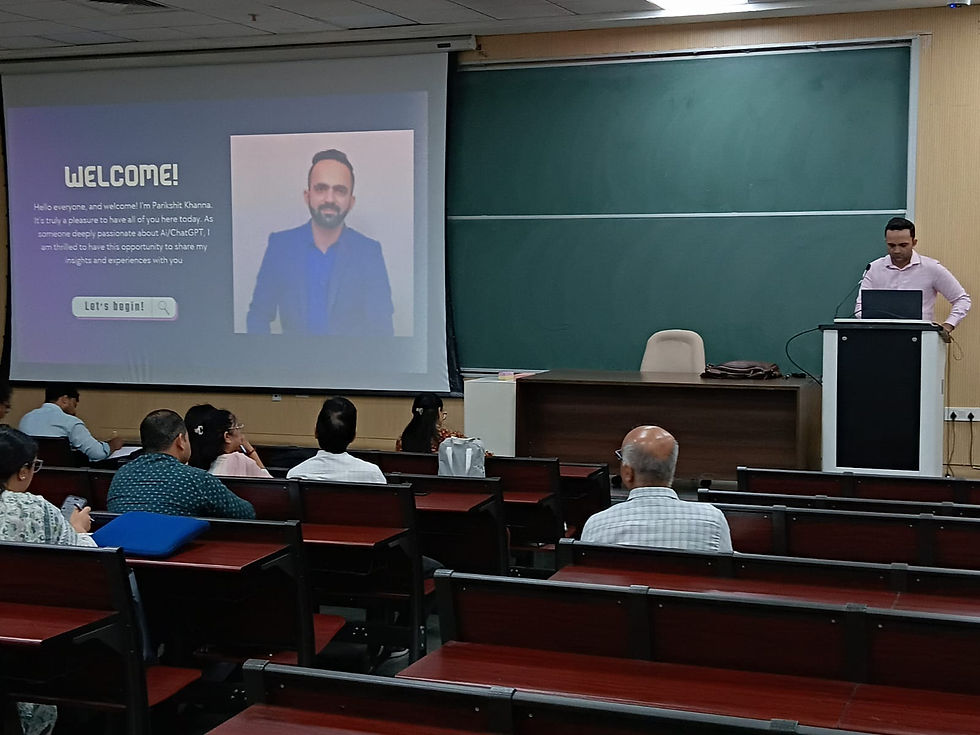
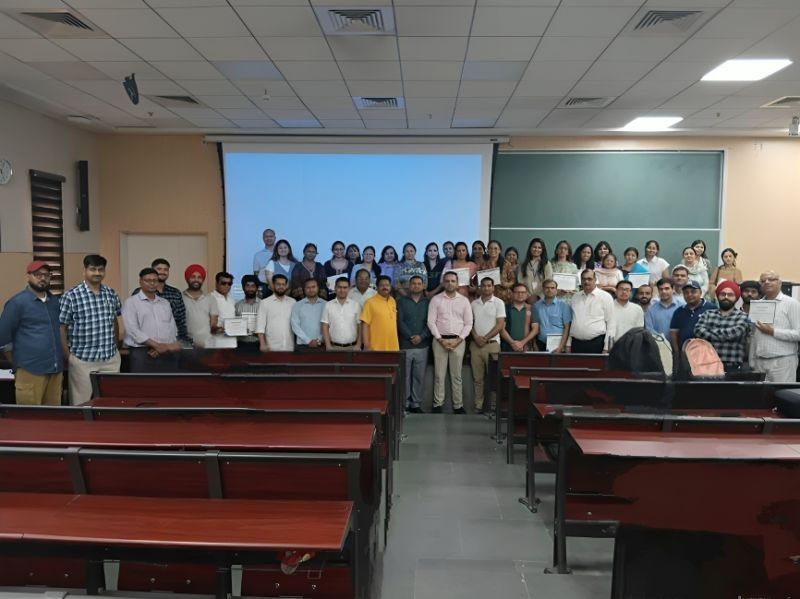
Parikshit Khanna, Founder of Digital Training Jet Pvt. Ltd., focuses on practical AI education for corporate teams, professionals and academic audiences. His training approach connects prompting, everyday business tasks and human review so participants can apply what they learn.

What this guide covers

Explore 20 enterprise training topics, a directory of 50 AI tools and platforms, ready-to-use prompts, productivity tips and recent product developments. The purpose is to help HR leaders, L&D teams, department heads and business owners build a relevant training brief.

Who should read it

This guide is designed for organisations seeking AI workshops for HR, finance, sales, marketing, operations, procurement, project management, leadership and institutional administration.


Why Consider Parikshit Khanna for Enterprise AI Training?

Professional experience that connects classroom learning with workplace tasks

Achievement or experience

Relevance for organisations

Founder of Digital Training Jet Pvt. Ltd.

Parikshit brings an entrepreneurial perspective to training, connecting AI use with business communication, delivery and team capability.

More than 3 lakh professionals trained, according to his supplied trainer profile

His stated training reach reflects experience working with varied professional audiences. This is a trainer-provided cumulative figure, rather than an independently audited count.

TEDx speaker

His supplied profile includes the talk “Redesigning Work with Artificial Intelligence” at TEDx Eicher School Faridabad Youth. This adds public-speaking experience to his practical training background.

Two Times Square features, according to his supplied profile

These are visibility milestones within his professional journey. They should be understood separately from product certifications or independent trainer rankings.

Corporate and academic training experience

His supplied training history spans business teams, higher education and specialist professional audiences.

Practical prompting frameworks

Participants learn how to define a role, task, context, constraints and output format, then evaluate whether the response meets their needs.

Department-specific learning

A finance team needs different exercises from an HR, marketing or operations team. Training can be scoped around the audience’s responsibilities and approved tools.

For organisations searching for the best AI trainer in Delhi NCR, the strongest selection criteria are relevant experience, clear exercises, credible references and usable outcomes. Parikshit Khanna’s supplied background makes Digital Training Jet a provider to consider against those criteria.


Academic Institutions in Parikshit Khanna’s Teaching History

Academic Institutions in Parikshit Khanna’s Teaching History


Educational experience, presented without implying institutional endorsement

The following references come from the trainer history supplied for this article. Sessions, guest workshops and visiting roles are different forms of engagement; they should not be described as permanent appointments or official Claude and Microsoft partnerships.

Institution

Supplied teaching or workshop context

IIT Delhi

AI in Healthcare workshop experience, connecting AI learning with a specialist professional audience.

IIT Roorkee

Previous session experience listed in the trainer profile.

IIT Guwahati

Previous session experience listed in the trainer profile.

IIT Hyderabad

Previous session experience listed in the trainer profile.

BITS Pilani

Academic session experience listed in the trainer profile.

IIM Bangalore, NSRCEL

Programme or session engagement listed in the trainer profile.

GL Bajaj Institute of Management & Research, Greater Noida

Visiting faculty and teaching experience, including Marketing Analytics.

Apeejay School of Management

Academic session experience listed in the trainer profile.

IIMT University

Teaching or session experience involving a BBA Aviation audience.

These institutions are included as part of Parikshit’s supplied educational experience. Their inclusion does not claim that each currently offers Claude or Copilot enterprise training, or endorses Digital Training Jet.


Beside the prompting framework. Alt text: “Five Golden Rules for business AI prompts, with role, task, context, constraints and output format.”

Top 20 Claude and Copilot Enterprise Training Programmes


A practical menu for building your organisation’s workshop

These are suggested training modules to discuss when commissioning a programme. The final scope should match the organisation’s software access, employee roles, data policies and available learning time.

No.

Programme headline

Practical exercise and intended output

1

Enterprise AI Foundations

Identify recurring workplace tasks and classify where AI assistance is useful. Produce a shortlist of suitable pilot workflows.

2

Five Golden Rules of Prompting

Rewrite vague requests using role, task, context, constraints and output format. Produce a reusable department prompt template.

3

Claude for Document Review

Review an approved report and request a summary with source references. Produce a briefing that distinguishes facts from interpretation.

4

Claude for Comparing Documents

Compare two proposals, policy versions or reports. Produce a differences log with unresolved questions.

5

Claude Projects and Reusable Context

Organise relevant reference material and task instructions. Produce a repeatable starting point for a recurring assignment.

6

Claude Cowork for Knowledge Work

Scope a task, define permitted inputs and inspect the deliverable. Produce a reviewed draft within a controlled workflow.

7

Microsoft 365 Copilot Foundations

Explore available workplace features and their boundaries. Produce a role-specific practice plan.

8

Copilot for Email Communication

Draft a reply from an approved email thread. Produce a concise message with a clear next action.

9

Copilot for Word Documents

Turn approved notes into a structured report or proposal draft. Produce a document ready for editorial review.

10

Copilot for Excel Analysis

Explore a sample dataset, define metrics and inspect calculations. Produce a checked analysis summary.

11

Copilot for Presentations

Convert a verified brief into a presentation outline. Produce a storyline with evidence requirements for each slide.

12

AI for Meeting Follow-ups

Extract decisions and actions from an approved transcript. Produce an action register with owners and dates where stated.

13

Copilot Researcher

Frame a research question and assess the resulting sources. Produce an evidence-led research brief.

14

Copilot Analyst

Investigate a dataset while checking definitions, missing values and totals. Produce findings with reproducible calculations.

15

AI for HR and L&D

Create an onboarding checklist or learning plan from approved policies. Produce a draft for HR validation.

16

AI for Finance and FP&A

Draft budget variance commentary from verified figures. Produce explanations that flag unsupported causes.

17

AI for Sales and Marketing

Prepare account research, discovery questions or campaign drafts. Produce material grounded in approved product claims.

18

AI for Operations and Procurement

Convert procedures into checklists or compare supplier submissions. Produce an exception log and review questions.

19

AI for Project Leadership

Summarise progress, dependencies and unresolved blockers. Produce a management review brief.

20

AI Agents, Governance and Adoption

Design a limited pilot with permissions, approval steps and measurement. Produce a practical adoption plan.


Above the 50-tool directory. Alt text: “Parikshit Khanna explaining how to compare AI tools by task, quality, data access and cost.”

Claude or Microsoft Copilot: Which Should Your Team Learn?

Choose through task-based evaluation

Decision area

What to assess

Documents and reasoning

Test how each available tool handles your actual document types, instruction complexity and review requirements.

Existing workplace systems

Check where employees already work, what integrations your organisation permits and which licences are available.

Source traceability

Require references to source material and verify that they support the generated claims.

Administration

Review access controls, data handling, retention arrangements and organisational settings with the responsible team.

Usability

Ask employees to complete the same task in each candidate tool. Record how much help and correction they need.

Cost

Compare the cost of producing an accepted result, including subscription, implementation and review effort.

Training design

Some teams benefit from focused training in one platform. Others need a comparison workshop before choosing a workflow.


“AI-generated illustrations based on Parikshit Khanna’s supplied portrait.”

Recent AI Features and Updates Relevant to Enterprise Training

Product developments checked for this article on 12 September 2026

Development

What the official source says

Training implication

Claude Fable 5.1 and Mythos 5.1

Anthropic’s September announcement distinguishes generally available Fable 5.1 from Mythos 5.1, which is restricted to trusted access programmes. Anthropic announcement

Explain model access accurately. Do not promise that every learner can use every announced model.

Claude Cowork

Anthropic presents Cowork as a product for delegating knowledge-work tasks. Claude Cowork

Teach employees to define the task, permitted inputs and acceptance criteria before delegation.

Copilot Researcher and Analyst

Microsoft describes Researcher as supporting complex research and Analyst as supporting data analysis, including inspectable Python execution. Microsoft announcement

Include source checking, metric definitions and calculation review in practical exercises.

Python with Copilot editing in Excel

Microsoft’s 25 August 2026 release notes describe Python-based analysis and transformation through Edit with Copilot in Excel. Microsoft release notes

Practise inspecting generated analysis and checking results against the workbook.

Outlook emails as Copilot Notebook references

The same release notes describe adding Outlook emails as knowledge sources in Copilot Notebooks. Microsoft release notes

Show how relevant project correspondence can inform a brief, while respecting access and relevance.

Gradual feature deployment

Microsoft states that Copilot features roll out gradually within organisations. Microsoft release notes

Confirm feature availability before promising a live demonstration.


50 AI Tools and Platforms to Explore for Workplace Learning


Build a shortlist around tasks, rather than buying every subscription

This is an exploration directory, not a ranking or a recommendation to purchase all 50. It includes standalone AI products, AI features within larger products and platforms used to build AI workflows. Availability, naming, integrations and commercial terms can change.

No.

Tool or platform

Example learning focus

1

Claude

Document analysis and writing

2

Claude Code

Coding assistance and development workflows

3

Claude Cowork

Delegated knowledge-work tasks

4

ChatGPT

Research, drafting and analysis

5

Microsoft 365 Copilot

AI within workplace productivity workflows

6

Microsoft Copilot Studio

Building and managing agents

7

GitHub Copilot

Software development assistance

8

Google Gemini

General-purpose AI assistance

9

Gemini Notebook, formerly NotebookLM

Research grounded in supplied sources

10

Perplexity

Web research and source discovery

11

Consensus

Finding relevant academic evidence

12

Elicit

Research-paper exploration

13

SciSpace

Reading and understanding research

14

Wolfram Alpha

Computational queries

15

Notion AI

Workspace writing and knowledge tasks

16

Grammarly

Writing clarity and editing

17

QuillBot

Rewriting and language assistance

18

DeepL

Translation workflows

19

Jasper

Marketing content workflows

20

Writer

Enterprise writing and AI workflows

21

Canva AI

Visual content creation

22

Adobe Firefly

Generative creative content

23

Gamma

Presentation and document drafting

24

Presentation design

25

Midjourney

Visual concept exploration

26

Ideogram

Image concepts involving text

27

Image generation and creative exploration

28

Runway

Video creation and editing

29

Synthesia

Presenter-led training videos

30

HeyGen

Avatar-based video communication

31

ElevenLabs

Voice and audio creation

32

Descript

Audio and video editing

33

Meeting transcription and notes

34

Meeting capture and analysis

35

Fathom

Meeting summaries and follow-ups

36

Zoom AI Companion

AI assistance in Zoom workflows

37

Zapier

Connecting applications and AI steps

38

Make

Visual workflow automation

39

n8n

Custom automation and AI workflows

40

Microsoft Power Automate

Business process automation

41

UiPath

Automation and agent-based workflows

42

Airtable AI

AI-supported structured workflows

43

Asana AI

Project and work management

44

ClickUp AI

Task and workspace assistance

45

Salesforce Agentforce

CRM-connected agents

46

HubSpot Breeze

Marketing, sales and service assistance

47

Intercom Fin

Customer-support assistance

48

Zendesk AI

Support workflow assistance

49

Cursor

AI-assisted software development

50

Replit

Application prototyping and development

For research grounded in supplied documents, Google describes Gemini Notebook as a tool that works across sources such as PDFs, Google documents, slides and website URLs. Google Cloud overview


Five Golden Rules for Better Enterprise AI Prompts

Make the brief clear enough for another person to follow

Rule

What to specify

Example

Role

The perspective needed for the task

“Act as an operations analyst preparing a management briefing.”

Task

The exact work to complete

“Summarise the outstanding delivery issues.”

Context

Sources, audience and business situation

“Use the attached weekly report. The audience is the project steering committee.”

Constraints

Boundaries and quality requirements

“Do not invent dates, owners or causes. Flag missing information.”

Output format

The required structure

“Return a table with issue, evidence, impact and next question.”

A role instruction helps frame the response. It does not grant the model professional credentials or make its output automatically correct.


Eight Practical Claude and Copilot Prompts

Copy, adapt and use with approved information

Use case

Ready-to-use prompt

Leadership briefing

Act as a business analyst. Using only the attached approved reports, prepare a leadership briefing for our monthly review. Separate confirmed results, unresolved issues and decisions required. Do not invent causes or recommendations unsupported by the evidence. Return a 200-word summary followed by an action table with source references.

HR onboarding

Act as an HR operations specialist. Create a first-week onboarding checklist from the attached company policies for a new employee in [department]. Use only documented requirements. Mark missing details as “HR confirmation required.” Return columns for day, activity, responsible role and policy reference.

Finance commentary

Act as an FP&A analyst. Compare actual and budget figures in the supplied dataset for [period]. State the variance formula, show calculations and flag zero denominators or missing values. Do not infer business causes from numbers alone. Return a variance table and a short list of questions for the finance team.

Sales preparation

Act as a B2B sales researcher. Use the approved account notes and supplied public sources to prepare for a discovery call with [company]. Separate verified facts from hypotheses. Do not invent budget, buying intent or internal problems. Return an account brief and ten discovery questions.

Marketing content

Act as a content strategist. Draft three campaign concepts for [offering] aimed at [audience]. Use the attached product facts and brand guidance. Avoid unsupported superlatives, invented testimonials and guaranteed outcomes. Return a headline, supporting message, evidence needed and call to action for each concept.

Procurement comparison

Act as a procurement analyst. Compare the attached supplier proposals against the supplied evaluation criteria. Use only the submitted information. Mark omissions as “Not provided” and do not invent a scoring system. Return a comparison table and clarification questions for each supplier.

Project review

Act as a project controls analyst. Summarise the attached progress reports for [project]. Identify milestones, dependencies, unresolved blockers and decisions required. Distinguish reported facts from your interpretation. Return a management dashboard table with source references and missing information.

Meeting follow-up

Act as an executive assistant. Extract explicit decisions and actions from this approved meeting transcript. Assign an owner or deadline only when stated. Flag conflicting statements and proposals that were not agreed. Return decisions, actions and clarification questions in separate tables.


Practical AI Productivity Tips and Sub-Tips

Small workflow improvements that make outputs easier to review

Main tip

Sub-tip

Why it helps

Ask what is missing

Before drafting, request the three most important missing inputs.

Reduces avoidable assumptions.

Separate extraction from interpretation

First extract the evidence, then ask what it may imply.

Makes unsupported conclusions easier to detect.

Define a good result

Specify audience, source requirements, length and acceptance criteria.

Gives the reviewer a clear standard.

Use an approved example

Provide a previous report and explain which elements to follow.

Improves consistency without relying on vague style instructions.

Request an exception log

Ask for missing dates, conflicting figures and unclear ownership.

Directs attention to unresolved issues.

Use two passes

Create a draft, then review it against an explicit checklist.

Makes revision more deliberate.

Recheck calculations independently

Compare totals and formulas with the original spreadsheet.

Helps catch plausible-looking numerical errors.

Keep prompts with their context

Save the prompt, source requirements, owner and revision date.

Makes reuse more reliable.

Pilot one workflow

Choose one recurring task before expanding to other departments.

Makes impact easier to observe.

Measure accepted work

Track whether the result was useful after review.

Connects AI use to an actual outcome.

Enterprise AI Training Across Delhi NCR

Shape the programme around the team and location

Location

Example workshop brief

Delhi

Leadership communication, institutional administration, research briefs and office productivity.

Noida

IT services, operations, customer support, marketing and cross-functional reporting.

Gurugram, also searched as Gurgaon

Finance, consulting, sales, HR, corporate communication and management reporting.

Greater Noida

Manufacturing support, project coordination, procurement, campus learning and administrative workflows.

Distributed teams

A common foundation session followed by role-based practice groups and a shared review exercise.

These are example programme applications, not claims that every organisation in each location has the same needs. Delivery arrangements and trainer availability should be confirmed when requesting a proposal.


What Should a Useful Enterprise AI Workshop Deliver?

Define outcomes before booking the session

Stage

Suggested deliverable

Before training

A short needs assessment covering roles, tools, data restrictions and priority tasks.

During training

Demonstrations followed by participant practice using approved or sample information.

Prompt development

A small collection of prompts adapted to the team’s recurring responsibilities.

Output review

A checklist for accuracy, completeness, source support and communication quality.

Workflow application

One completed exercise that resembles a real workplace task.

After training

A pilot plan with an owner, review date and measurable acceptance criteria.

Measure Whether AI Training Is Working

Track quality and effort together

Measure

How to use it

Accepted output rate

Divide outputs accepted after review by total outputs evaluated. Use a consistent acceptance standard.

Net time saved

Compare the previous task duration with AI-assisted work, including prompting, verification and rework.

Error rate

Track factual, calculation, formatting or policy errors using the same review checklist.

Review effort

Record how long a competent reviewer spends checking the result.

Repeat use

Check whether employees reuse the workflow successfully after the workshop.

Total cost

Include licences, setup, training, administration and review effort when assessing value.


Frequently Asked Questions

Question

Answer

Who should attend Claude and Copilot enterprise training?

Employees who work with documents, email, research, reporting, meetings or repeatable administrative tasks can benefit from a relevant programme. The exercises should match their responsibilities.

Can nontechnical employees participate?

Yes. Many practical workshops focus on task definition, prompting and output review. Coding and agent-building modules require a separate assessment of prerequisites.

Should we learn Claude or Copilot first?

Start with the platform your organisation approves and the tasks employees need to complete. A short comparative exercise can help when both are available.

Does every participant need a paid subscription?

Requirements depend on the selected exercises and features. Confirm access before the workshop.

Can the training be customised?

A programme can be scoped around a department, tool environment or business process. Ask for a clear proposal stating what is included.

Is a workshop certificate an official Microsoft or Anthropic certification?

A provider-issued completion certificate should not be described as vendor certification unless that status is explicitly documented.

How should we select the best AI training provider?

Compare relevant experience, references, exercise quality, data-handling practices and the usefulness of the proposed outputs.

Does Google require a particular blog length?

No. Google explicitly says it has no preferred word count. Useful, reliable content matters more than reaching an arbitrary length. Google’s people-first content guidance

Bring Practical AI Training to Your Organisation

Bring Practical AI Training to Your Organisation

Discuss a Claude and Copilot workshop with Digital Training Jet

Closing message

Blog copy

Build capability around real work

If your organisation is exploring Claude training in Delhi NCR, Microsoft Copilot training in Gurugram, or an enterprise AI workshop in Noida or Greater Noida, start with a clear brief: who needs training, which tasks matter and what a successful outcome looks like.

Work with Parikshit Khanna

Parikshit Khanna and Digital Training Jet bring a practical teaching focus to AI learning. Share your departments, participant count, approved tools, preferred dates and three recurring workplace challenges to discuss a relevant programme.

Call to action

Visit Parikshit Khanna’s website or Digital Training Jet to enquire about enterprise AI training.


bottom of page