About the Course

Canva and Social Media Design Training in India
A useful social media design should help the reader understand your message and the next action. This practical training helps professionals in India turn an approved business brief into a coordinated set of social assets. Work through layout, readable text, brand consistency, image choices and content review using Canva and optional AI assistance. Your enquiry determines the audience, delivery mode, exercises and account access. Confirm the current fee, schedule and final scope before booking.
Who this programme is for
Marketing teams, business owners, sales professionals, educators and independent consultants in India who need a practical design process for regular business communication.
Your practical takeaways
Build designs around one message
Choose a specific audience, useful promise and clear next action. Turn a crowded brief into a simple visual hierarchy that works on a phone screen.
Create a consistent content set
Prepare reusable layouts for an educational post, a service explainer and a short carousel. Apply consistent colours, type and spacing without making every post identical.
Review and export with confidence
Check readability, factual accuracy, image permissions and export settings. Leave with draft assets and a review checklist; publication remains a separate business decision.
Six programme modules and exercises
1. Translate the business brief
Identify the audience's question, the purpose of the post and the response you want. Connect the design to an enquiry, resource or conversation instead of a vague request for engagement.
Practical exercise: Write a short brief for an India business service using a fictional company.
2. Create visual hierarchy
Use a clear heading, supporting information and sufficient space. Compare text sizes, alignment and contrast, and test whether the main message remains readable in a small preview.
Practical exercise: Redesign one crowded sample post in two simpler versions.
3. Set up reusable brand elements
Organise approved colours, fonts, logos and image styles. Explore brand features available in your Canva plan and build a consistent manual alternative where a paid feature is unavailable.
Practical exercise: Prepare a three-layout mini template set with a shared style.
4. Use AI for useful first drafts
Use an approved assistant for headline options, concise captions and visual concepts. If image generation is included, label synthetic examples and review text, hands, branding and misleading visual details.
Practical exercise: Compare three headline drafts and document the edits required.
5. Design a post and carousel sequence
Match the format to the message. Give each carousel slide one purpose, connect examples to a takeaway and make the closing action relevant to the reader's stage of interest.
Practical exercise: Build an unpublished five-slide explainer from an approved source brief.
6. Quality check and prepare handover
Check spelling, claim sources, safe margins, links and export format. Explain who reviews the work and how editable source files should be named for future updates.
Practical exercise: Export a review copy and complete a design handover checklist.
Workplace examples for Indian teams
Corporate marketing
Starting material: An approved service description and existing brand assets. Practice output: A service explainer and supporting carousel draft. Review: Confirm claims, brand use and mobile readability.
Sales enablement
Starting material: Common buyer questions and approved product information. Practice output: A visual FAQ series for internal review. Review: Verify specifications, availability and the enquiry route.
Education and training
Starting material: A lesson outline and permitted reference material. Practice output: A concise learning carousel with a practical example. Review: Check subject accuracy and image permissions.
Preparation and account access
Basic computer skills, a laptop and a Canva account are helpful. Share your design goals and approved sample assets beforehand. Paid subscriptions are required only if agreed features need them; do not upload confidential client material.
Delivery across India
Live online in IST, or onsite by written proposal. Discuss Delhi NCR, Mumbai, Bengaluru, Hyderabad, Pune, Chennai, Kolkata, Ahmedabad, Jaipur or another Indian city. Dates, venue, participant numbers, duration, fees and travel are confirmed before booking. Corporate formats can focus on a three-hour foundation, a six-hour applied workshop or an agreed learning series; private sessions are scoped individually.
Selected client portfolio — completed corporate programmes
Emami Ltd | October 2026 | Claude. Claude workshops for Legal & Compliance, Internal Audit, Finance & Accounts, and Finance & Commercial teams.
Godrej Properties | August–September 2026 | Microsoft Copilot. Microsoft Copilot enablement and prototype support for the INNOV8-NZ programme.
CP PLUS | October 2026 | Microsoft Copilot. AI and Microsoft Copilot workshops for CP PLUS teams in Noida.
INOX India / INOXCVA | August 2026 | Claude, ChatGPT. GenAI workshops for HR, production, marketing, IT and management teams, covering ChatGPT prompting and Claude for documents, data and dashboards.
RMZ Real Assets | July 2026 | Claude, ChatGPT, Microsoft Copilot. Two-day GenAI workshop covering leadership, revenue and leasing, asset management, finance and ESG applications with Claude, ChatGPT and Microsoft Copilot.
Delhi Duty Free / GMR Airports | September 2026 | Microsoft 365 Copilot Chat. Microsoft 365 Copilot Chat workshop for the Delhi Duty Free team, with practical prompts, document exercises and safe-use guidance.
Homeland Group | July 2026 | Claude. Practical Claude training for HR, administration, procurement, vendor management, planning and operations.
Rocket Learning | September 2026 | Claude. Working With Claude workshop for the Education and Content team, covering structured prompts, Projects and team planning.
Padmini VNA Mechatronics | October 2026 | Microsoft 365 Copilot. AI foundations, generative AI and Microsoft 365 Copilot workshop for Padmini VNA teams.
AON Consulting | June 2026 | Microsoft Copilot. GenAI and Microsoft Copilot training for the FP&A team, delivered through Imarticus.
About Parikshit Khanna
Corporate AI trainer, prompt engineer, TEDx speaker, Visiting Faculty at GL Bajaj Institute of Management & Research and founder of Digital Training Jet, established in 2020. Parikshit reports cumulative reach of 3,50,000+ professionals across direct sessions and the Digital Training Jet network. This is self-reported reach, not an independently audited count of unique professionals directly trained. Explore the profile and original session portfolio at https://www.parikshitkhanna.com/about-8.
Frequently asked questions
Is this Canva training suitable for beginners?
Yes. The scope can begin with navigation, layout and text editing, then progress to reusable templates. Share your current experience when enquiring.
Do I need Canva Pro?
Not for every exercise. Account requirements and any paid features will be confirmed before the training; free alternatives can be included where practical.
Can you tailor examples for our company in India?
Yes, subject to the agreed scope. Use approved product, service or learning examples so the exercises match your team's work.
Will the workshop publish posts on our accounts?
Exercises create drafts and review copies. Publishing, account access and ongoing content management are separate services requiring an agreed scope.
How do I confirm the fee and delivery location?
Request a current proposal. Online or onsite availability for Delhi NCR, Mumbai, Bengaluru, Hyderabad and other Indian cities is confirmed against the brief and schedule.
Request your tailored training proposal
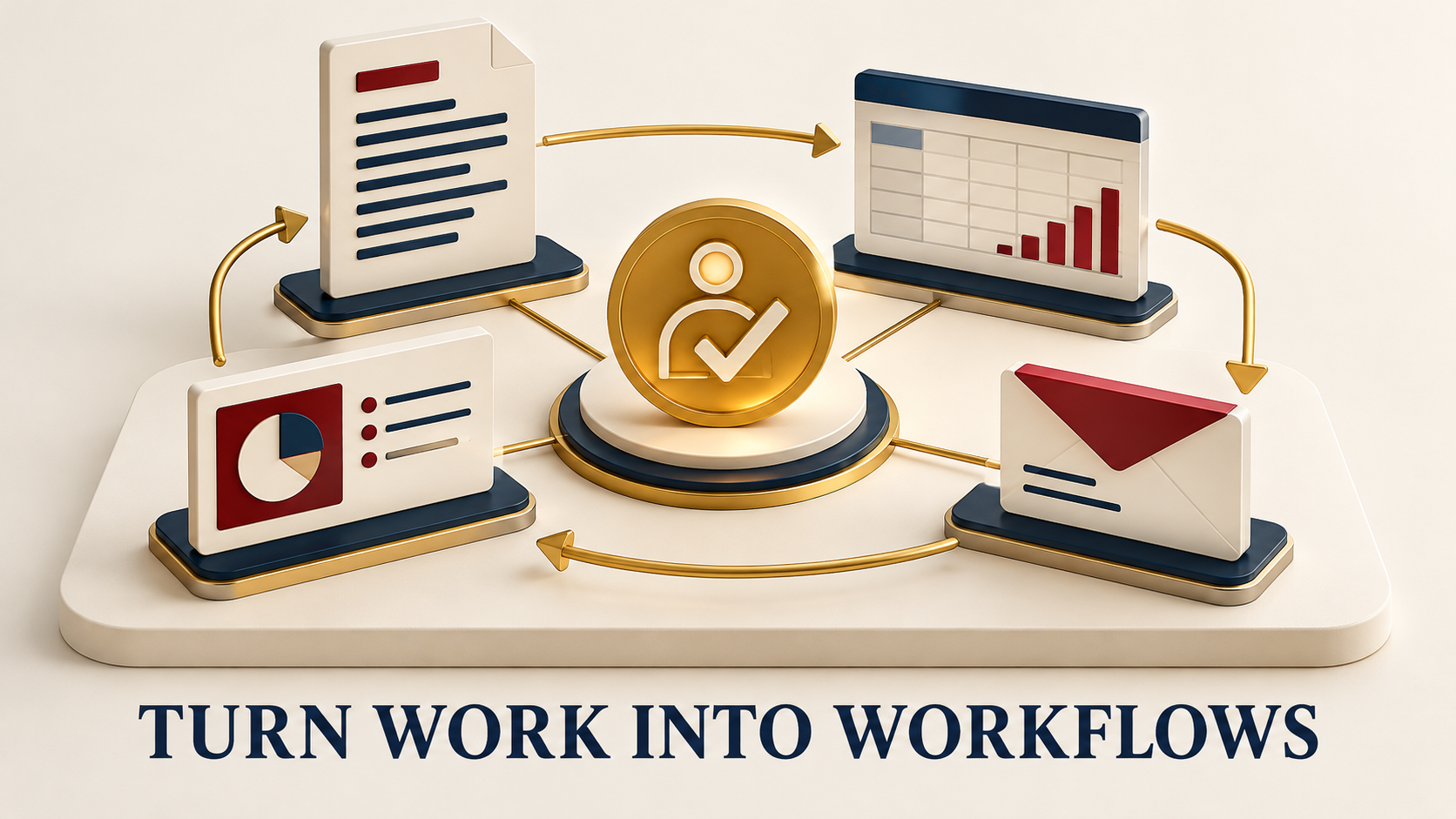
Share your team roles, size, city, approved tools, two recurring tasks and preferred dates. Enquire at https://www.parikshitkhanna.com/contact or WhatsApp +91 99972 13177. Individual options are listed at https://topmate.io/parikshit_khanna. Product names belong to their respective owners. This is independent professional training. Graphics are AI-generated concept illustrations.
Original photographs from earlier teaching sessions
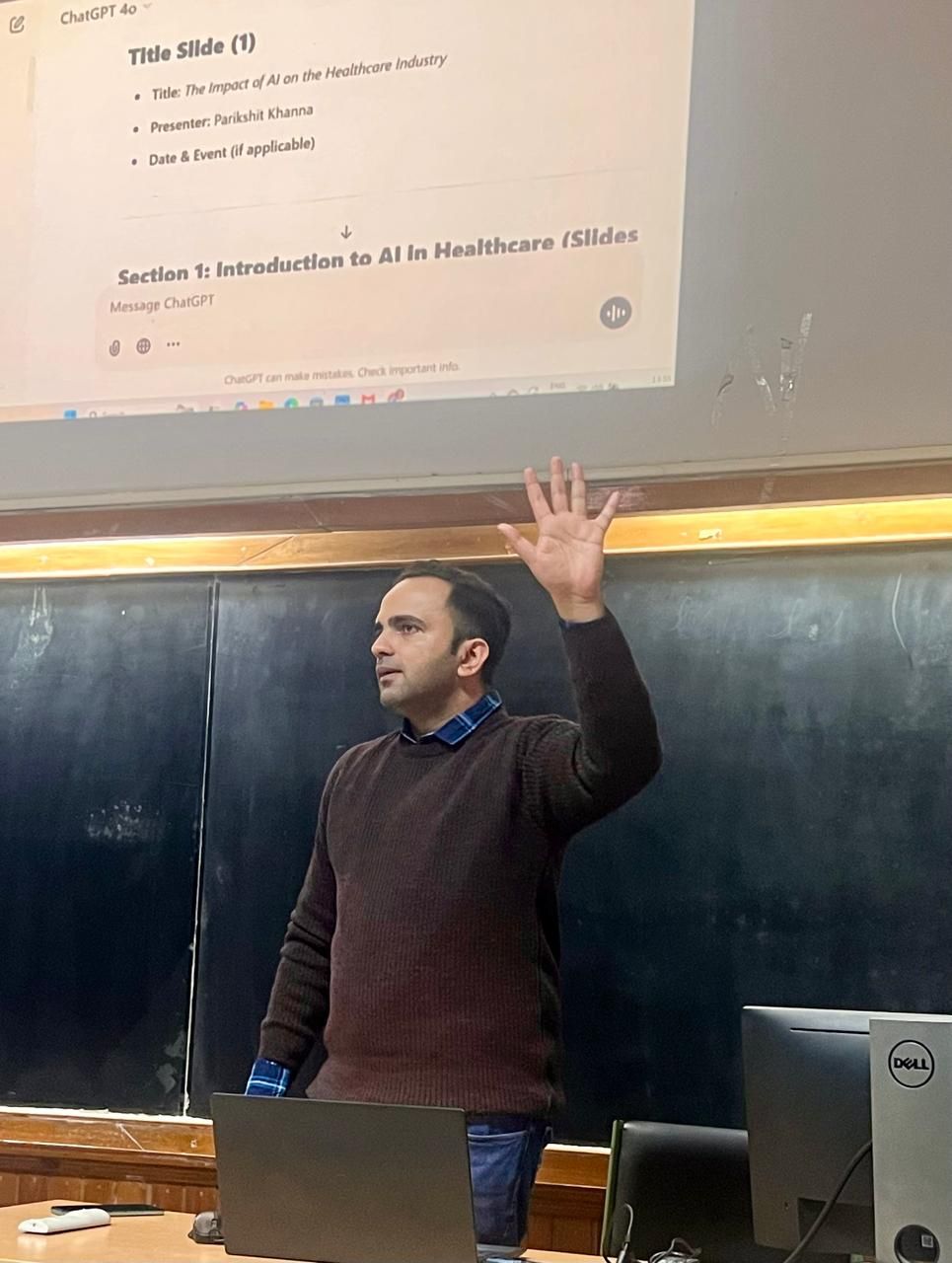
Original photographs from Parikshit’s wider teaching portfolio. Each caption identifies the tool or setting shown.


Explore Parikshit’s trainer profile and session portfolio
Learner feedback on Parikshit’s Topmate profile
Feedback from earlier sessions, published on Parikshit’s Topmate profile.
“Gained valuable practical tips along with complete knowledge of AI tools”
Deep Shikha · January 2025 · Public Topmate review
“Indeed it was enriching experience.”
Mohd Aarif · November 2024 · Public Topmate review
“It was a wonderful session”
Shalini Rajesh · February 2026 · Public Topmate review
Discuss this programme and explore related AI learning
Request a proposal for this marketing programme using the contact button below. You can also explore a separate corporate AI training discovery call on Topmate.
Email parikshitkhanna@digitaltrainingjet.com or WhatsApp +91 99972 13177 with your team roles, group size, location, preferred dates and two recurring tasks.
Your Instructor
Parikshit Khanna
Parikshit Khanna is a corporate AI trainer, TEDx speaker, Visiting Faculty at GLBIMR and founder of Digital Training Jet, established in 2020. Practical workshops connect approved tools with workplace exercises and human review.