Copilot Training for IT and Customer Support Teams in Gujarat

Updated: 3 days ago
Quick answer
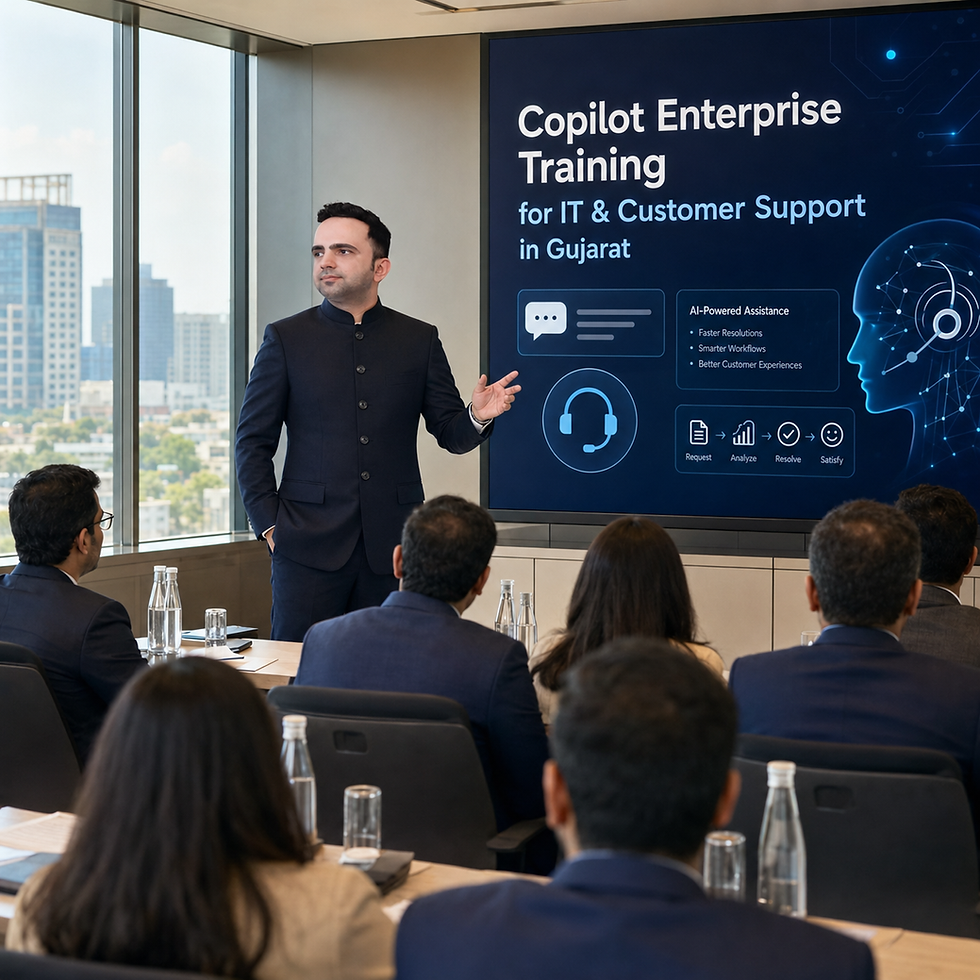
Copilot training for support teams should help staff organise tickets, find approved knowledge and draft clear replies. Start with redacted incidents and make the escalation boundary explicit before discussing agents or system actions.
Reviewed 22 October 2026. Recommended audience: IT service desks, internal support teams and customer-support supervisors.
Microsoft guidance to check before practice
Copilot Studio administrators can govern knowledge sources, connectors, actions and publication through data policies.
Confirm your actual account access with IT before delivery. Record the app, source files and review owner for each exercise. If a feature is unavailable, use an agreed alternative and mark the feature as not practised. Licence purchase and technical configuration should be scoped separately from facilitation.
Create support answers with an escalation boundary
Practice input and task | Output to produce | Human review gate |
|---|---|---|
Ten fictional support tickets. Group recurring issues and missing details. | A triage summary | The service owner checks severity and priority |
An approved knowledge article. Draft a response with source references. | A customer or employee reply draft | Check the article version and whether it fits the reported issue |
A proposed support agent. Document allowed and prohibited actions. | A bounded design and escalation plan | IT approves connections, identity, billing and publication |
A prompt to practise
Suggested training prompt using fictional or approved redacted material:
Use only the attached approved knowledge article to draft a reply to this fictional support ticket. Ask for missing diagnostic details, explain the supported steps and show when to escalate. Never request a password, token or secret. Do not claim an issue is resolved unless the ticket says it is.
How to run the exercise
For Gujarat office or plant support teams, prepare examples that separate business-system issues from safety-critical equipment. A workshop should not encourage learners to execute unfamiliar commands on production devices. Use a practice environment and authorised owners for any technical demonstration.
How to assess the result
Review unsupported troubleshooting steps, missed escalation triggers, clarity of the response and correction effort. Track whether the knowledge source actually addresses the issue rather than merely sharing keywords.
Questions about this workflow
Will the training deploy a helpdesk agent?
Agent implementation is separate unless included in the written scope. Agree the systems, access, testing and operating owner before development.
Can we paste production logs?
Use approved redacted samples and remove credentials, tokens and personal information. Follow the organisation's incident-handling policy.
Can it support industrial equipment?
Keep advice within approved documentation and authorised procedures. Safety-critical or equipment-control decisions require qualified personnel.
Which Copilot product does this programme cover?
The focus is Microsoft Copilot for business-user workflows in Microsoft 365. GitHub Copilot software-development training, Security Copilot and production Copilot Studio implementation require a separately agreed scope.
How do we agree the workshop format?
Share the audience, current access, desired outputs and preferred delivery mode. Agree preparation, practice time, assessment and follow-up in a written proposal before confirming dates.
Is this an official Microsoft course or partnership?
This is independent training offered by Parikshit Khanna. It does not imply Microsoft endorsement, partnership or an official certification. Ask for the exact qualification and deliverables offered.
A suggested learning plan to agree before booking
Use the following sequence as a planning template. The actual timetable, depth and deliverables should be agreed for the cohort rather than assumed from the page.
Readiness: check the audience, account access, approved files and learning goals.
Prompt design: specify the task, context, output format and boundaries.
First lab: build and check a triage summary.
Second lab: practise draft a response with source references with a new sample.
Peer review: find unsupported claims, missing information and unclear ownership.
Repeat and hand over: complete a fresh case and agree the follow-up owner.
About the facilitator
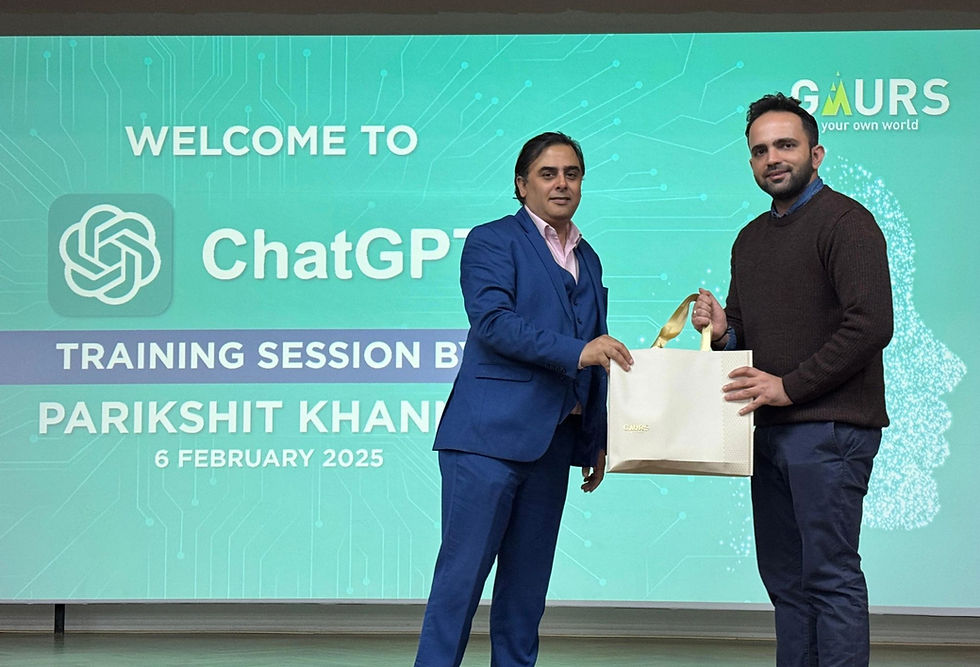
Parikshit Khanna is the founder of Digital Training Jet, a corporate AI trainer, TEDx speaker and visiting faculty at GL Bajaj Institute of Management and Research. He reports having trained 3,50,000+ professionals. This is a trainer-reported figure, not an independently audited outcome.
Ask for relevant sample materials and portfolio evidence that may be shared. Discuss the work your team needs to complete before selecting the programme.
Related Copilot training guides
Discuss your team's training requirement
Send your participant roles, headcount, city or online preference, Microsoft access and two recurring tasks. Scope, availability, preparation, deliverables and fees are confirmed in a written proposal.
Source review: 22 October 2026. Microsoft links above describe product capabilities and conditions. The exercises on this page are suggested training activities; they do not promise automatic approval, deployment or a guaranteed productivity result.


