کورس کے بارے میں

Microsoft 365 Copilot Training in Singapore
Build practical, permission-aware workflows across Microsoft 365 Copilot for everyday knowledge work. Singapore teams often coordinate regional work, so the training emphasises repeatable processes, concise outputs, careful source handling and hand-offs across functions.
Tell us your team's roles, location, Copilot access and two priority tasks. We will discuss the agenda, format and a written proposal.
Who this corporate workshop is for
Teams using Microsoft 365 who want better workflows for Word, Excel, PowerPoint, Outlook, Teams and cross-functional collaboration. The agenda is adapted for financial services, technology, logistics, professional services, education and regional operations teams.
Practical learning outcomes
Clear Copilot requests
Write prompts that name the business objective, source, output format and quality criteria instead of relying on vague one-line instructions.
Application-level workflows
Practise supported tasks across Microsoft 365 applications selected for the organisation’s licensed environment and participant roles.
Safer adoption plan
Connect permissions, source quality, human review and change management to a realistic pilot rather than a tool-only demonstration.
What Parikshit covers in the Microsoft 365 Copilot session
Licence and tenant readiness
Copilot Chat versus Microsoft 365 app experiences
Word, Outlook and Teams workflows
Excel analysis and verification
PowerPoint drafting
Permissions, governance and adoption controls
Programme modules
1. Microsoft 365 Copilot foundations
Clarify licensing, organisational access, permissions and the difference between general chat and work grounded in authorised Microsoft 365 content.
2. Word, Outlook and Teams workflows
Draft, rewrite, summarise and prepare follow-ups using approved content, with careful checks for missing context and sensitive information.
3. Excel analysis and verification
Ask structured questions about suitable spreadsheets, inspect assumptions and verify calculations rather than accepting generated analysis uncritically.
4. PowerPoint and executive communication
Move from a clear brief to a presentation outline, improve narrative flow and keep facts, brand and speaker judgement under human control.
5. Governance, adoption and measurement
Choose pilot tasks, review permissions, define owners and measure time saved, quality and rework without overstating automation.
Answer first: is Microsoft 365 Copilot training available in Singapore?
Yes. Live online sessions are scheduled in Singapore Time; onsite delivery is available subject to a confirmed scope, venue and travel plan. The workshop is customised around participant roles, approved accounts, one priority workflow and a named human reviewer.
Training formats for Singapore organisations
Corporate workshop: a focused half-day, full-day or multi-session Microsoft 365 Copilot programme with approved examples and role-based practice.
Department cohort: a practical function-specific lab with a reusable workflow, quality checklist and named human approver.
Leadership or private session: a focused format for an executive or agreed small group working on one priority workflow.
Multi-session adoption programme: spaced workshops, practice tasks and reviews linked to a governed adoption backlog.
Internal champion programme: selected champions learn to coach colleagues, collect evidence and route issues to accountable owners.
Local delivery: Live online sessions are scheduled in Singapore Time; onsite delivery is available subject to a confirmed scope, venue and travel plan. Timing, venue, cohort, travel and access are confirmed in the written proposal.
Department use cases for Microsoft 365 Copilot in Singapore
HR & L&D
Draft onboarding plans, policies and learning material in Word and summarise approved Teams discussions.
Sales & business development
Prepare Outlook follow-ups, account briefs and PowerPoint proposals from authorised Microsoft 365 content.
Marketing & communications
Create campaign drafts in Word or PowerPoint and maintain reviewable Excel trackers.
Operations & PMO
Turn Teams meetings and Outlook threads into action lists, SOP drafts and accountable follow-ups.
Finance & analytics
Support Excel analysis and Word commentary while people verify formulas, sources and conclusions.
Customer service
Draft Outlook responses, Teams recaps and approved knowledge summaries for agent review.
Leadership & strategy
Create meeting recaps, decision briefs and presentation first drafts for leadership review.
IT, data & governance
Plan licence readiness, permissions, prompt guidance, governance and measurable adoption.
About the photos on this page
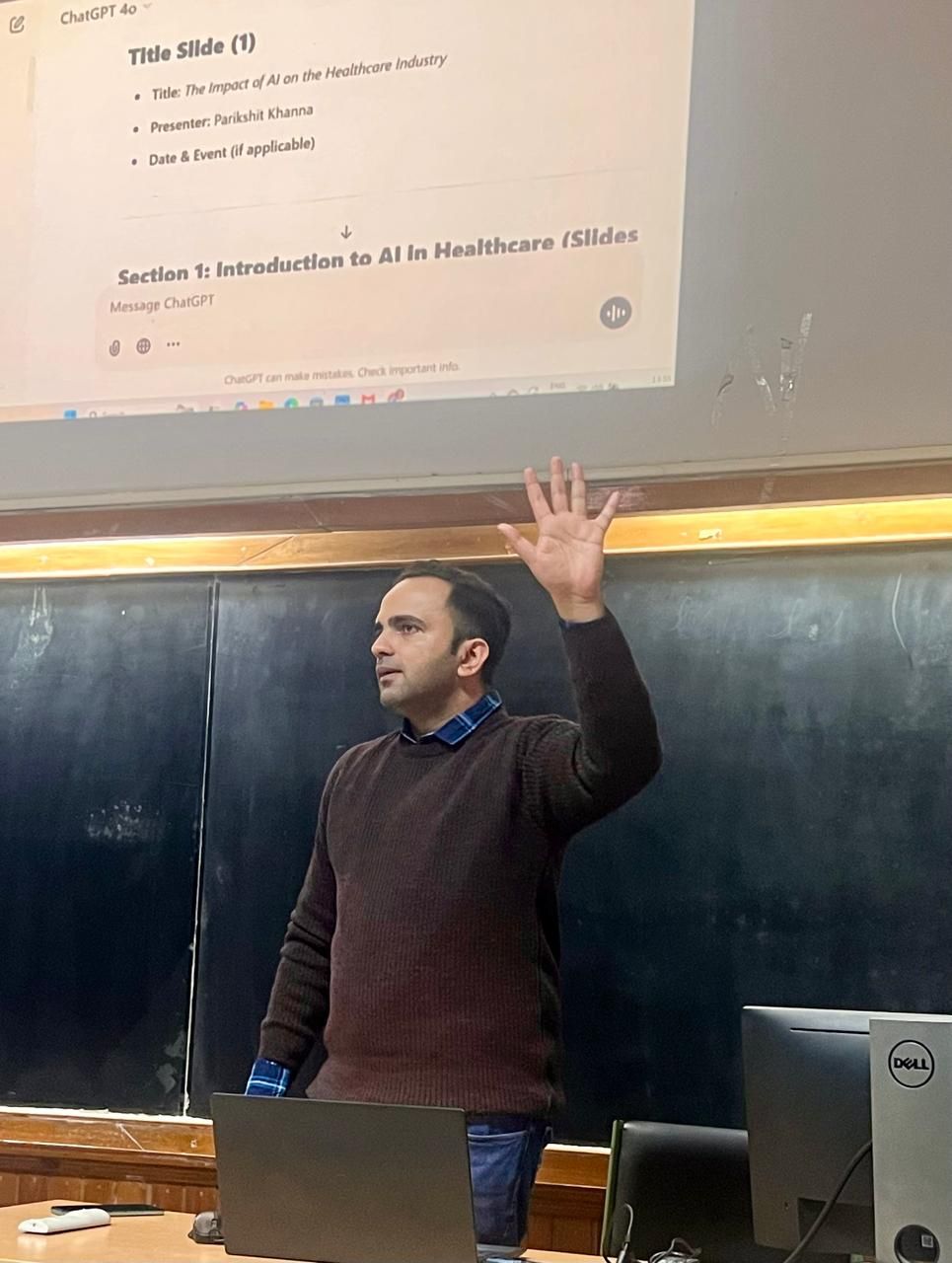
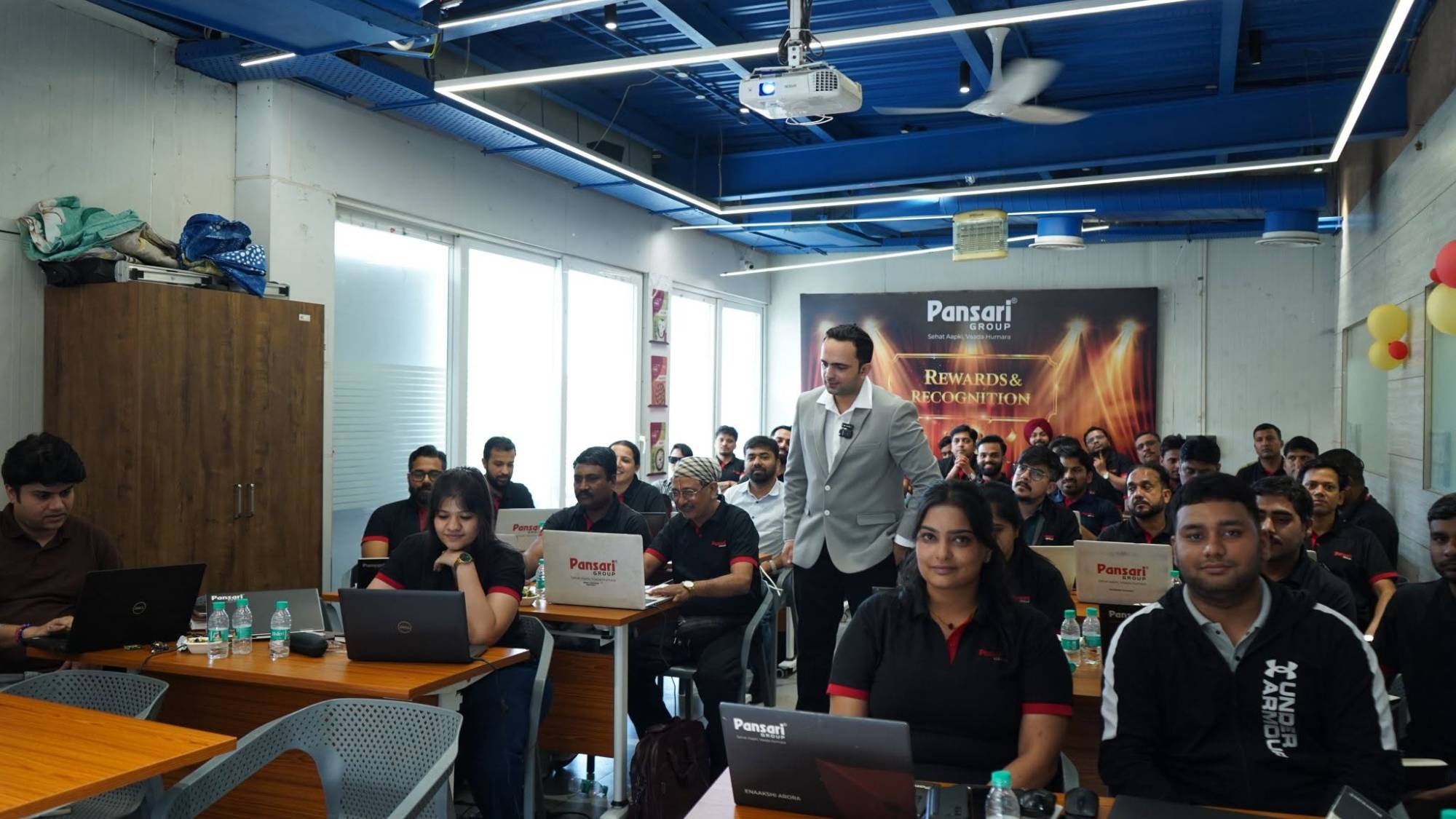
Photographs of Parikshit Khanna on this page are from real training sessions, with the organisation named in each caption. Any concept illustration without people is labelled as an illustration.
What Microsoft 365 Copilot can do
Draft, rewrite and summarise
Work with authorised Microsoft 365 content where licensed
Assist with suitable spreadsheet analysis
Create presentation and meeting follow-up drafts
What Microsoft 365 Copilot cannot do
Bypass Microsoft 365 permissions
Repair poor source data or tenant configuration
Guarantee calculations, facts or conclusions
Expose features not licensed or enabled by administrators
Replace security, legal or business approval
Private training
S$299 · 90 minutes. One learner or agreed small executive group, one priority Microsoft 365 workflow, guided practice and a reusable personal template.
Group and corporate training
From S$2,400 · Focused live workshop · one cohort up to 12 participants. Role-based app labs, permission-aware examples, a team prompt library, review rubric and adoption backlog defined in the proposal.
Pricing conditions
Regional starting prices in SGD were checked 14 October 2026. They are market-adjusted local amounts, not live foreign-exchange quotes. Final fees are confirmed in writing. Any legally applicable Singapore GST or other tax is itemised in the written proposal. Advanced or full-day programmes typically start from S$4,800 and are scoped around tools, depth and cohort size. Software subscriptions, licences, API or model usage, venue, travel, accommodation, production implementation and ongoing support are separate unless included.
Applied exercise for Singapore
Participants build a meeting-to-action workflow using authorised Microsoft 365 material, then convert it into a brief, follow-up and presentation outline with a review checklist. Build a regional operations, research or customer workflow for a Singapore-based team and define what stays automated, what needs review and how quality is measured.
Delivery and logistics
Live online sessions are scheduled in Singapore Time; onsite delivery is available subject to a confirmed scope, venue and travel plan. Scheduling is planned in SGT · UTC+8; proposals are normally prepared in SGD. Final duration, platform, venue, travel and participant numbers are confirmed before booking.
Responsible AI and data handling
Participants use approved or fictional materials and document access, confidentiality and review controls. Organisation-specific legal or regulatory advice remains with qualified internal teams. Participants learn to verify important facts, protect confidential information and retain accountable human review.
About the trainer
Parikshit Khanna is the founder of Digital Training Jet, a corporate AI trainer, TEDx speaker and Visiting Faculty at GL Bajaj Institute of Management and Research.
Speaker at TEDxEicher School Faridabad Youth on 1 August 2026
Co-author of two published books
Recognised as a Topmate Top 0.1% Creator and featured at Times Square, New York
Published portfolio includes sessions at IIT Delhi, IIT Roorkee and IIT Guwahati
Published portfolio includes programmes involving teams at Arvind, Sheela Foam, RMZ, GMR Delhi Duty Free, Malabar Group and LG
Organisation names describe documented sessions or programmes and do not imply endorsement.
Frequently asked questions
Can we begin with Copilot Chat if our team has mixed licences?
Often, yes. Eligible work accounts may use Copilot Chat without the Microsoft 365 Copilot add-on. Access to work data and app features varies by licence, permissions and administrator settings; file uploads or approved agents may provide limited context. We tailor the exercises to what your team can use.
Is this GitHub Copilot training?
No. This page is specifically for Microsoft 365 Copilot. GitHub Copilot requires a separate technical curriculum and scope.
Can Microsoft 365 Copilot Training be delivered in Singapore?
Yes. Sessions can run in SGT for Singapore teams and can be arranged as a focused workshop or a spaced series with practice between sessions.
What will Parikshit cover in the Microsoft 365 Copilot session?
Licence and tenant readiness, Copilot Chat versus Microsoft 365 app experiences, Word, Outlook and Teams workflows, Excel analysis and verification, PowerPoint drafting, Permissions, governance and adoption controls. The final emphasis follows the agreed audience, accounts and use cases.
How is private training different from corporate training?
Private training focuses on one learner or an agreed small executive group and one priority workflow. Corporate training is built for teams, uses organisation-approved accounts and examples, and includes role-based practice, governance and a written proposal.
What does Microsoft 365 Copilot training cost?
Private Microsoft 365 Copilot training in Singapore starts at S$299 for 90 minutes. Group or corporate training starts at From S$2,400 for a focused live workshop · one cohort up to 12 participants. Advanced or full-day programmes typically start from S$4,800 and are scoped around tools, depth and cohort size. Final scope and fees are confirmed in writing. Software, licences, API usage, tax, travel and production implementation are separate unless included in writing.
Does every participant need a Microsoft 365 Copilot licence?
Hands-on application practice requires the relevant Microsoft 365 Copilot access. A demonstration-led or mixed-access format can be scoped when licences differ, but training cannot enable unavailable tenant features.
Can confidential company information be used?
Confidential material is not required. Use approved, anonymised, synthetic or public examples unless the organisation explicitly authorises another approach and confirms its account and data policy.
What can Microsoft 365 Copilot not do?
Bypass Microsoft 365 permissions; Repair poor source data or tenant configuration; Guarantee calculations, facts or conclusions; Expose features not licensed or enabled by administrators; Replace security, legal or business approval. Important outputs and decisions remain subject to accountable human review.
Can Microsoft 365 Copilot training be customised for departments in Singapore?
Yes. Discovery can prioritise HR and L&D, sales, marketing, operations, finance, customer service, leadership, or IT and governance. Each cohort uses approved role-specific examples and builds one reusable workflow.
What accounts and data should participants in Singapore use?
Participants should use organisation-approved accounts and public, synthetic, anonymised or explicitly authorised material. Licences, administrator settings, confidentiality rules and the human approver are confirmed before the session.
Are the photos on this page from real training sessions?
Yes. Photographs of Parikshit Khanna on this page come from real workshops, and each caption names the organisation. Concept illustrations without people are labelled as illustrations.
A written proposal confirms the learning objectives, delivery format, preparation, fee and any travel. Product names belong to their respective owners; this is independent professional training unless a written proposal states otherwise.
Original photographs from earlier teaching sessions
Original photographs from Parikshit’s wider teaching portfolio. Each caption identifies the tool or setting shown.


Explore Parikshit’s trainer profile and session portfolio
Learner feedback on Parikshit’s Topmate profile
Feedback from earlier sessions, published on Parikshit’s Topmate profile.
“Gained valuable practical tips along with complete knowledge of AI tools”
Deep Shikha · January 2025 · Public Topmate review
“Indeed it was enriching experience.”
Mohd Aarif · November 2024 · Public Topmate review
“It was a wonderful session”
Shalini Rajesh · February 2026 · Public Topmate review
Choose your learning format
For a company workshop, start with a discovery call or a tailored proposal. Individual sessions and self-paced resources have their own scope on Topmate. Check the current listing for availability, inclusions and pricing.
Optional self-paced resource: Microsoft Copilot at Work. This is a separate Topmate product; the listing defines its coverage.
Email parikshitkhanna@digitaltrainingjet.com or WhatsApp +91 99972 13177 with your team roles, group size, location, preferred dates and two recurring tasks.
آپ کا انسٹرکٹر
Parikshit Khanna
Parikshit Khanna is the founder of Digital Training Jet, a corporate AI trainer, TEDx speaker and Visiting Faculty at GL Bajaj Institute of Management and Research. His published portfolio includes sessions at IIT Delhi, IIT Roorkee and IIT Guwahati.