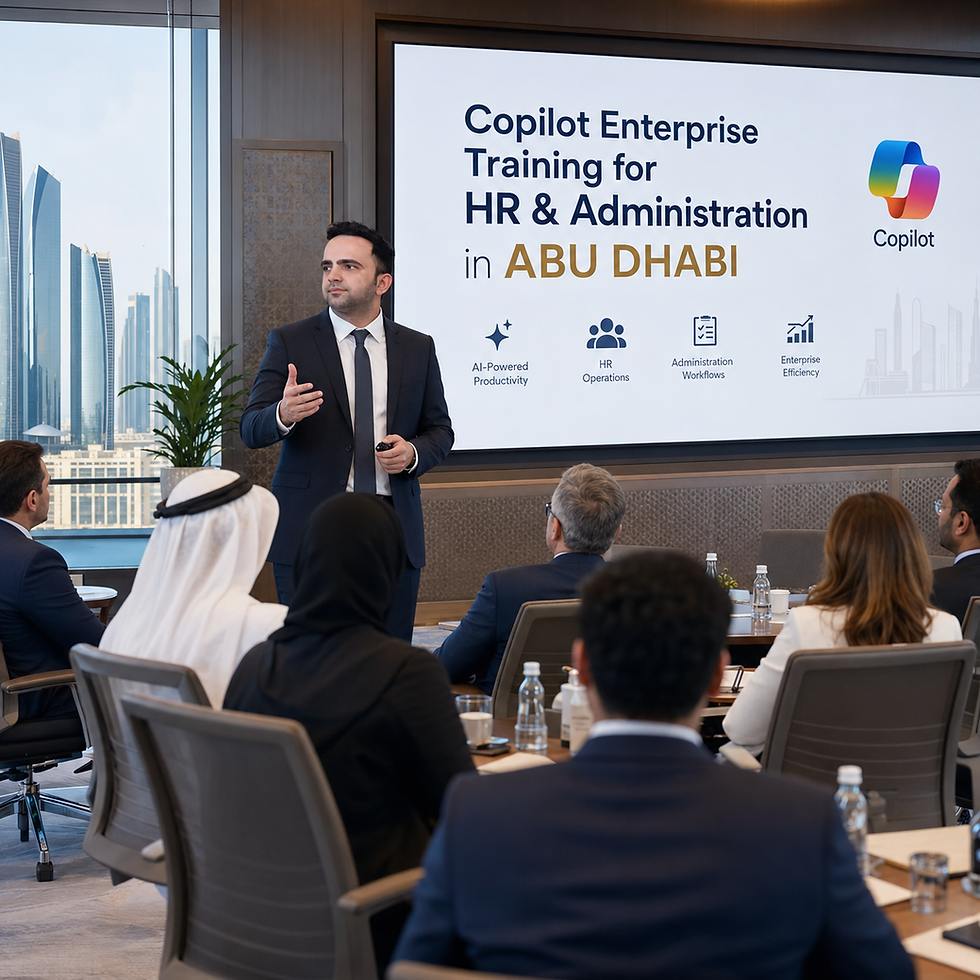
Microsoft 365 Copilot Training for HR and Administration Teams in Abu Dhabi

Updated: 3 days ago
By Parikshit Khanna, corporate AI trainer, TEDx speaker and founder of Digital Training Jet | Updated 20 October 2026
Quick answer
Microsoft 365 Copilot training for HR and administration teams in Abu Dhabi teaches staff to use Copilot in Outlook, Word, Excel, Teams and PowerPoint for HR letters, policy drafts, leave and headcount analysis and meeting follow-ups, matched to the licences your organisation holds. Sessions run live online or onsite in Abu Dhabi. Trainer-reported reach: 3,50,000+ professionals since 2020.
Who books Copilot training for HR and admin?
HR and administration teams already live in Outlook, Word, Excel and Teams. Copilot training turns those daily tasks into faster, reviewed workflows.
HR administration and personnel teams.
Office administration and facilities teams.
HR business partners preparing reports for leadership.
Executive assistants supporting HR and admin heads.
Copilot workflows for HR and admin
Team | Practice task | Best-fit tool to test |
|---|---|---|
Outlook | Summarise a long HR email thread and draft a reply for review | Copilot in Outlook |
Word | Draft an HR letter or policy section from an approved template | Copilot in Word |
Excel | Explain trends in a leave or headcount sheet and draft commentary | Copilot in Excel |
Teams | Capture decisions and actions from an HR meeting | Copilot in Teams |
PowerPoint | Turn an HR report into a five-slide leadership update | Copilot in PowerPoint |
Before the workshop
Copilot features depend on licence, tenant settings and data permissions. We confirm which Copilot your teams hold and train only on the features they can use.
AI tools we train on
Tool | Best for | Programme page |
|---|---|---|
ChatGPT | Writing, research, analysis and general daily work | |
Claude | Long documents, careful writing, projects and Claude Cowork | |
Microsoft 365 Copilot | Teams working in Outlook, Word, Excel and Teams | |
Gemini | Teams working in Gmail, Docs, Sheets and Meet |
What participants leave with
A shared prompt library built from their own tasks.
A review checklist for numbers, names, dates, claims and data safety.
A 30-day adoption plan with tasks, owners and a review date.
How booking works
Step | What happens |
|---|---|
1. Needs discussion | Share roles, headcount, approved tools, location and goals on WhatsApp or email |
2. Track selection | Parikshit recommends the tools, format and depth for each group |
3. Written proposal | Scope, agenda, format, dates and fees in writing before booking |
4. Delivery | Live online, or onsite in Abu Dhabi on agreed dates |
5. Follow-up | Prompt library, review checklist and 30-day plan for daily use |
Procurement details
Vendor: Parikshit Khanna, founder of Digital Training Jet, an MSME (Udyam) registered business in Delhi NCR since 2020.
Currency, taxes and travel are confirmed in the written proposal before booking.
About Parikshit Khanna
Proof | Detail |
|---|---|
Reach | Trainer-reported cumulative reach of 3,50,000+ professionals since 2020, across direct sessions, Digital Training Jet network programmes and large audience events |
TEDx speaker | Talk: Redesigning Work with Artificial Intelligence, TEDxEicher School Faridabad Youth, 1 August 2026 |
Recent corporate programmes | Claude workshops for Emami; ChatGPT and Claude for INOX India (INOXCVA); a two-day Claude, ChatGPT and Copilot workshop for RMZ Real Assets; Copilot enablement for Godrej Properties and CP PLUS |
Other teams trained | Arvind Fashions, Sheela Foam (Sleepwell), Malabar Group, vivo India and GMR Delhi Duty Free |
Credentials | Anthropic Claude Academy badges: Claude 101, Claude Cowork, and AI Capabilities and Limitations; Visiting Faculty, GL Bajaj Institute of Management and Research |
No independent body ranks AI trainers. Compare providers on relevant client work, a sample exercise on your own tasks, and a written scope.
Book now: contact Parikshit Khanna
Send your organisation name, roles, headcount, location, approved AI tools, preferred dates and two priority tasks. You will get a written proposal with scope, dates and fees. Please share anonymised examples only.
Channel | Details |
|---|---|
Business email | |
Personal email | |
Phone | +91 99972 13177 | +91 80762 50669 |
Proposal request | |
Private sessions |
Related programmes
Verified IIT and BITS workshops
Parikshit has delivered invited workshops on IIT and BITS campuses since 2024. The sessions below were organised by World Technocon, except the IIT Guwahati Synapse workshop, and are confirmed by organiser invitations, post-session correspondence and honorarium records. They are workshop engagements, not faculty or employment roles at these institutes.
Campus | Event | Date | Workshop |
|---|---|---|---|
IIT Delhi | Tryst 2024 | 29 to 31 Mar 2024 | Workshop speaker panel |
IIT Delhi | World Technocon Workshop Series | 24 to 25 Aug 2024 | Workshop sessions |
IIT Delhi | Rendezvous 2024 | 28 Sep 2024 | AI for Healthcare Professionals, ChatGPT, Digital Marketing (Instagram Ads, Google Ads and SEO) |
IIT Delhi | World Technocon 2024 | Oct 2024 | Digital Marketing and AI |
IIT Delhi | World Technocon | 1 to 2 Mar 2025 | ChatGPT for Healthcare |
IIT Hyderabad | World Technocon | 8 to 9 Mar 2025 | AI in Healthcare |
BITS Pilani, Hyderabad Campus | World Technocon | 4 to 6 Apr 2025 | Corporate ChatGPT, ChatGPT for Healthcare Professionals, ChatGPT for Everyone |
IIT Roorkee | World Technocon | 12 to 13 Apr 2025 | ChatGPT for Educators and Researchers; ChatGPT for Healthcare Professionals |
IIT Delhi | World Technocon | 11 and 17 May 2025 | ChatGPT for Healthcare Professionals; Generative AI with 23 tools |
Online | World Technocon | 20 to 22 Jun 2025 | Generative AI Tools Mastery, ChatGPT for Educators, ChatGPT Mastery |
IIT Guwahati | Synapse | Nov 2025 | Onsite AI workshop |
Want a similar campus or faculty workshop? Message on WhatsApp at +91 99972 13177 or email pkhanna123@gmail.com with your institute, audience size and preferred dates.
Frequently asked questions
Do participants need Copilot licences?
For hands-on practice, yes. Awareness sessions can be scoped separately for teams without licences.
Can Copilot see all company data?
Copilot works within each user's existing permissions, which is why data permissions are reviewed before rollout.
Is the training in English?
Yes; Arabic examples can be included for native review.
How do we book?
Email parikshitkhanna@digitaltrainingjet.com or pkhanna123@gmail.com, or WhatsApp +91 99972 13177, with your roles, headcount, location and tools. A written proposal with scope, dates and fees follows.
Note: tool features vary by plan and change often; every agenda is checked against your accounts. Training is independent; no official partnership with Anthropic, Microsoft, Google or OpenAI is implied.