How to Use Gemini in Gmail and Google Docs: 20 Prompts for Work (2026)


By Parikshit Khanna, corporate AI trainer, TEDx speaker and founder of Digital Training Jet | Published 22 October 2026
Quick answer
Gemini in Gmail drafts and refines replies, proofreads, answers questions across your inbox and, from the side panel, creates documents, schedules meetings and adds tasks. Gemini in Google Docs creates formatted drafts from your files, rewrites, matches your style and format, and now adds images, diagrams and infographics. Use the 20 prompts below and review before you send or share.
What is new in 2026
Proofread in Gmail: Gemini suggests fixes beyond spelling, such as conciseness and active voice (February 2026). Google Workspace Updates
Help me write: from May 2026 it can pull details from Drive and Gmail and match your tone; from July 2026 you can type your own refinement instructions. Google Workspace Updates
AI Overviews in Gmail search: ask a question in the search bar and get a summary across threads; expanded globally to paid plans with Gmail in English on 15 September 2026. Google Workspace Updates
Cross-app side panel: from Gmail or Docs, Gemini can create Docs, Sheets or Slides, summarise threads, draft emails, schedule meetings and add tasks, with a preview card before external actions (September 2026). Google Workspace Updates
Google Docs: Help me create builds formatted drafts from your files, email, chats and the web; suggested edits stay visible only to you until you approve; Match writing style and Match doc format were added (April 2026). Google Workspace Updates
Visuals in Docs: Gemini can generate and edit images, diagrams and infographics inside a Doc on the web (July 2026). Google Workspace Updates
20 Gemini prompts for Gmail and Docs
# | Prompt | App |
|---|---|---|
1 | Reply to this client confirming the revised quote and thanking them for the quick approval, under 100 words. | Gmail |
2 | Summarise this thread and list what I need to do. | Gmail |
3 | What did the vendor say about the delivery delay last month? | Gmail search |
4 | Draft a follow-up to the candidate who finished the interview, with next steps. | Gmail |
5 | Make it more formal and add a line about the payment terms. | Gmail refine |
6 | Draft an email to the team announcing the new leave policy, using the policy document in Drive. | Gmail |
7 | Create a Google Doc with the action items from this thread. | Side panel |
8 | Schedule a 30-minute meeting with the people on this thread next week. | Side panel |
9 | Add a task to follow up on this invoice on Friday. | Side panel |
10 | Summarise this month's emails from the bank as a table of date, subject and action. | Gmail |
11 | Create a proposal for a two-day AI workshop using the brief in my Drive and the client's email. | Docs |
12 | Rewrite this section in plain English for frontline staff. | Docs |
13 | Match the format of our standard SOP document. | Docs |
14 | Match my writing style from my previous reports. | Docs |
15 | Add a five-bullet summary at the top of this document. | Docs |
16 | Create a table comparing the three options described in this document. | Docs |
17 | Create a simple diagram of the approval steps in this process. | Docs visuals |
18 | Create an infographic summarising the survey results. | Docs visuals |
19 | Turn these notes into meeting minutes with decisions and owners. | Docs |
20 | Suggest a clearer title and headings for this document. | Docs |

Tips for Gemini in Workspace
Name the source you want Gemini to use, such as a Drive file or a thread.
Check the preview card before Gemini sends invites or creates items for others.
In Docs, suggested edits stay visible only to you until you approve them.
Several 2026 features launched in English first and for paid plans; check what your admin has enabled.
Review facts, names and numbers before you share anything Gemini drafts.
From Parikshit Khanna's training sessions

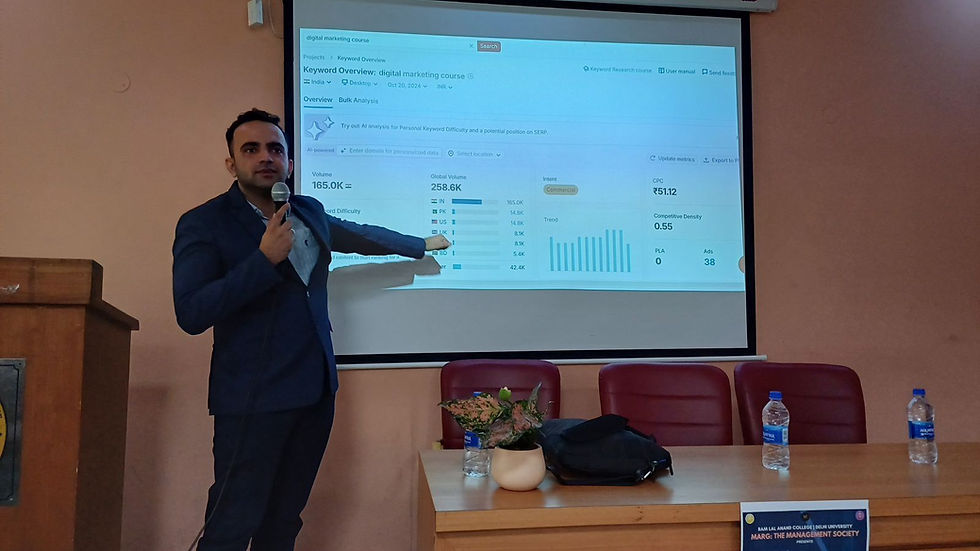

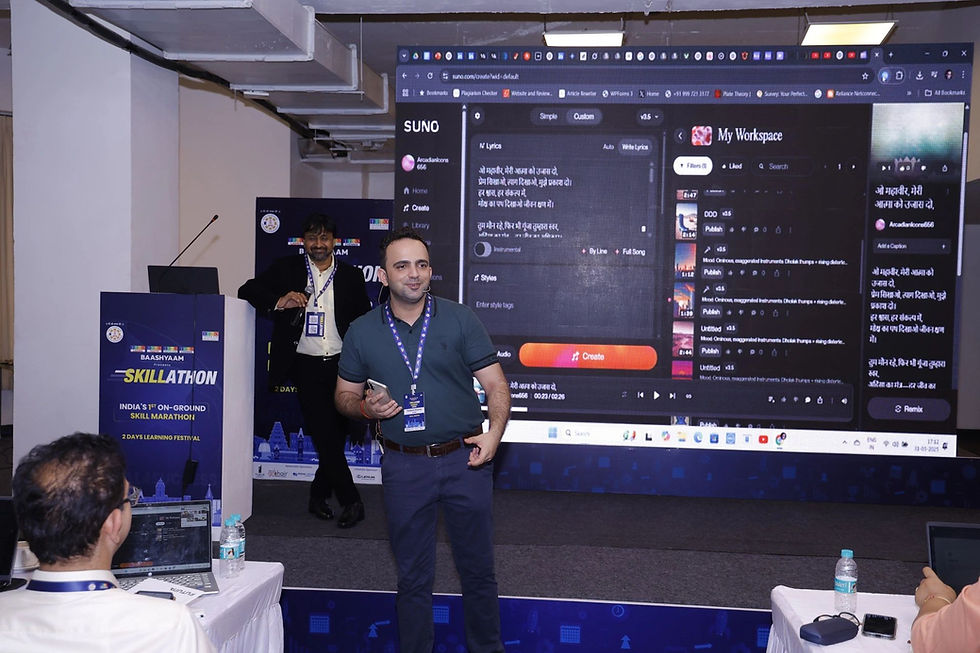


These are real photographs from Parikshit's training work; captions name the session where it is known.
Book a programme
Share your organisation, city, team size, tools and preferred dates. You get a written proposal with one recommended format and fee.
Step | What you share |
|---|---|
1. WhatsApp or email | Organisation, city, team size and AI tools or licences |
2. 20-minute call | Priority tasks and data rules |
3. Written proposal | Agenda, format, dates and one fee; dates are blocked after written confirmation |
About Parikshit Khanna
Achievement | Detail |
|---|---|
TEDx speaker | Talk Redesigning Work with Artificial Intelligence, TEDxEicher School Faridabad Youth, 1 August 2026 |
Gemini work | Google Gemini workshop at IIT Guwahati (November 2025) |
AI work, 2026 | Copilot Chat workshop for GMR Airports' Delhi Duty Free; ChatGPT and Copilot workshop for vivo India; AI training for CP PLUS |
Corporate clients | Emami, Arvind Fashions, Sheela Foam (Sleepwell), Godrej Properties, Gaursons, Hetero, Tinna |
Government and academia | Prasar Bharati NABM programme; workshops at IIT Roorkee and IIT Guwahati; visiting faculty at GL Bajaj |
International | Malabar Group, Dubai: Phase 1 delivered live online, July 2026 |
Reach | Trainer-reported reach of 3,50,000+ professionals since 2020 |
Related guides
More guides in this series
Frequently asked questions
Do these features need a paid Workspace plan?
Most of the features listed are for Google Workspace business plans, and some launched in English first. Check with your admin.
Does Google use our Workspace data for training?
Google's September 2026 side panel update states user data is not used for training.
How do we book?
WhatsApp +91 99972 13177 or email pkhanna123@gmail.com. You get a written proposal with one recommended format and fee after a short call; dates are blocked only after written confirmation.
Is this training affiliated with Google or the providers named?
No. It is independent, practitioner-led training; no partnership is implied.
Note: details are from official and news sources as of October 2026 and change often. Reach is trainer-reported.


